5000 emails, one AI, and the bill I forgot to think about
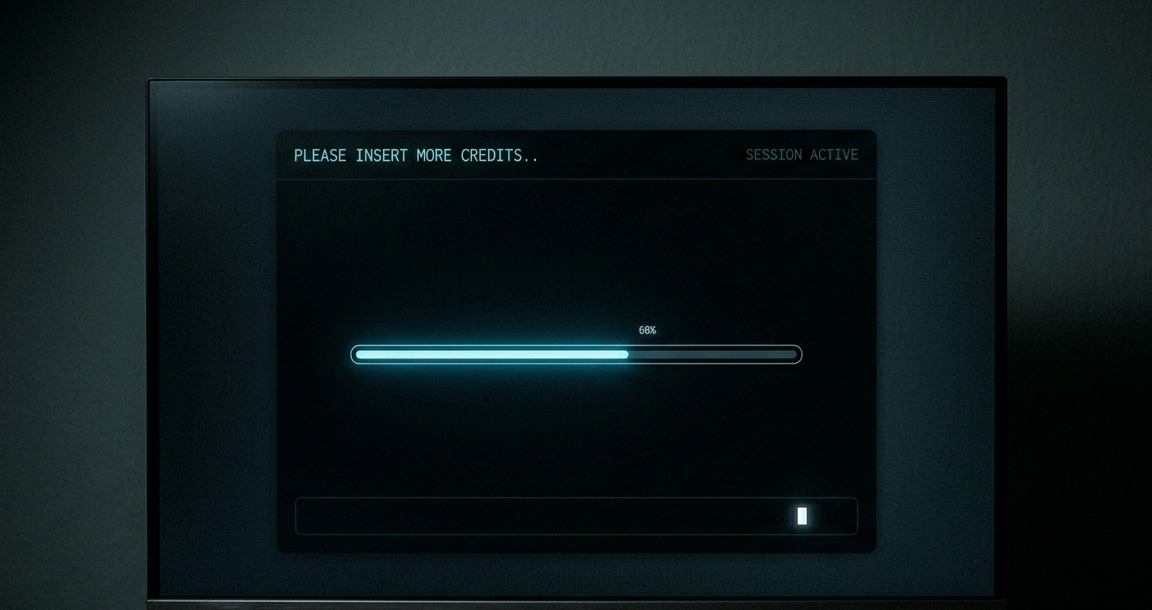
“You’ve hit your token quota.”
Not a crash. Not an error message. A polite, conversational sentence, right in the middle of organising my inbox.
That was the moment I realised I’d done it again.
📬 The inbox problem
Years of emails. One main account I’d let pile up to over 5000 unread. Newsletters, Amazon order confirmations, things I’d meant to action, things I’d never meant to receive. Classic slow-motion chaos.
The kind of mess where the thought of starting feels worse than just leaving it.
🤔 Brief before anything
Before I even opened Cowork, I used a prompt helper to think the brief through properly. Instead of going in with “clean my inbox” (vague, dangerous), I worked through what I actually wanted: what counts as action, what counts as “view later”, what should never be touched without my approval first.
That bit was genuinely good. It forced me to make decisions before the AI made them for me.
⚙️ Cowork in action
Claude Cowork connected to Gmail with my permission. It read my existing labels, audited the inbox state, and proposed a structure before touching anything. We agreed on categories. We agreed that nothing gets deleted without my explicit say-so.
Then it started working through the Amazon emails first. A sensible, contained first batch.
It was sorting, labelling, threading. The inbox was actually getting smaller. I left it running and made a coffee.
One thing it flagged along the way: archiving. I’d always avoided it. I assumed it meant cold storage, locking emails away somewhere I’d struggle to find them again. Old Outlook habits. Cowork pointed out that in Gmail, archiving just means removing the inbox label. The email stays. It’s still searchable. You’re just clearing the inbox view.
Years of avoiding a button because I’d misunderstood what it did.
🛑 And then it stopped
I came back to: “You’ve hit your token quota.”
I had a spending limit set. A deliberate choice I’d made before I started experimenting with AI tools, not for this specific job, just a general safety net. Know your ceiling before you start. I’d recommend it to anyone.
It worked exactly as intended. The task stopped. I got a clean message telling me why. No drama.
🧠 The bit I missed
Here’s the thing. I thought carefully about how to use AI for this.
Approval gates. No deletions without consent. A proper brief before starting. A structured labelling approach. All the right instincts.
What I hadn’t thought about was the mechanics of how the AI was actually working. A human scanning 5,000 emails by subject line is fast. We skim, pattern-match, sort in seconds. The AI was reading every single email, because I hadn’t told it not to. Every one. That eats tokens faster than you’d expect, and I wasn’t keeping an eye on it. I should have been.
The excitement of “AI can do this” is real. I felt it. But that same excitement means you stop thinking critically about how it’s doing it, what it’s costing, and whether a human eye might actually be faster for parts of the job.
The guardrails I set were about not making mistakes. I hadn’t set any around not being extravagant.
📍 Where it left me
The inbox is still not sorted. There are considerably fewer Amazon emails in it, which I suppose counts for something. There’s still a lot left, and I need a smarter approach if I’m not going to spend a small fortune having an AI carefully read the terms and conditions of my 2019 Argos order.
Time for a rethink. At least I understand archiving now.
— Shane